

كل إطلالة. على الإيقاع.
مجموعة أزيائك، عارضتك، وكلمتك. إعلان يتحرّك بأسلوبك.
اختر عارضتك
مطلوبالعارضة الأصلية، وجه جديد، أو صورتك أنت. نفس الملامح في كل إطلالة.
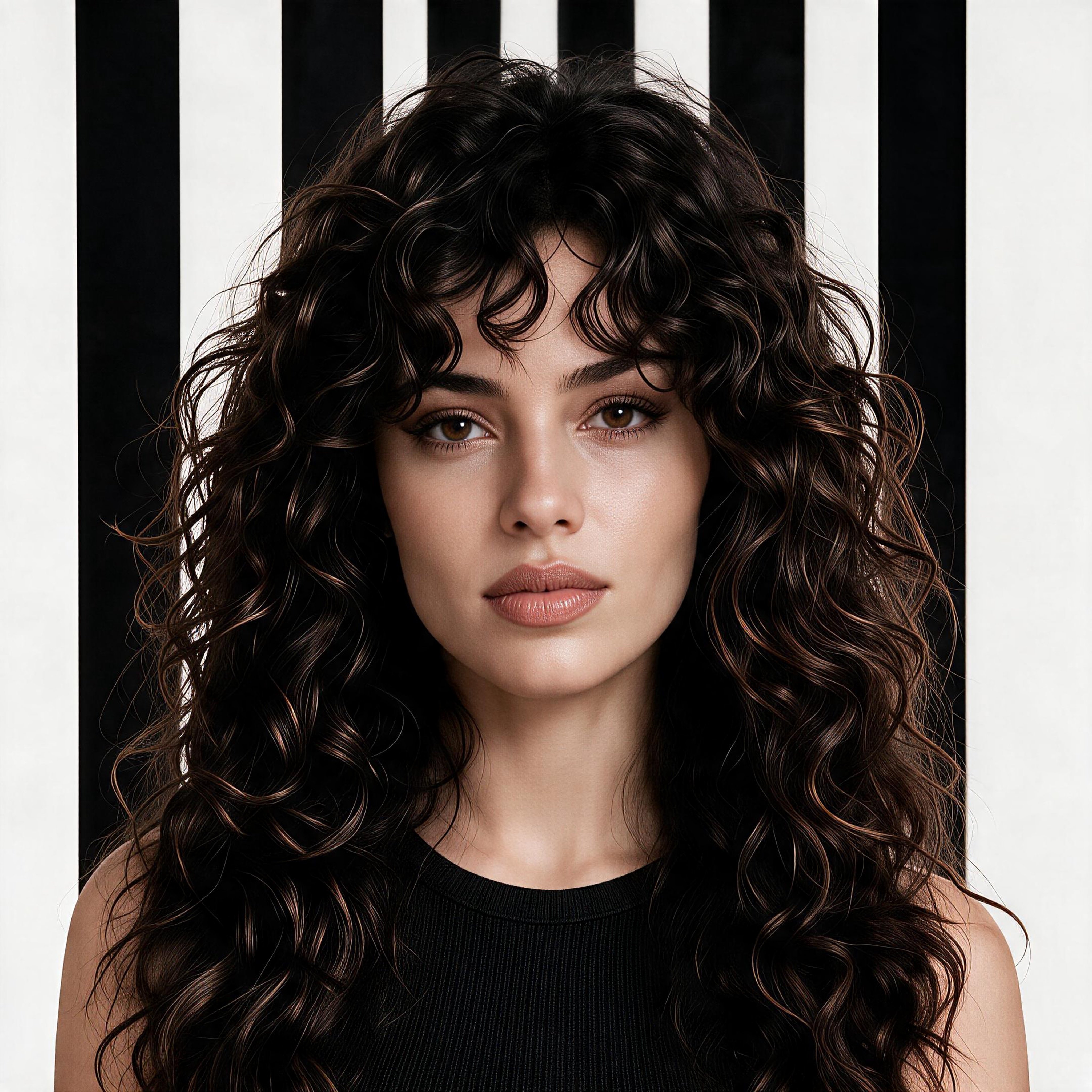
العارضة الأصلية
نعتمد ملامح هذه العارضة لإطلالاتك.
أضف إطلالاتك
0 / 9نحافظ على القطع التي تضيفها، ونُكمل ما ينقص الإطلالة بما ينسجم معها. سترى التنسيق كاملًا قبل إنشاء الفيديو.
كلمتك خلف العارضة
اسم العلامة أو عنوان قصير. كلمة أو كلمتان تتركان أثرًا أقوى.
افتتاحية واضحة، تبديلات على الإيقاع، وخاتمة مكتملة.
أضف صورة العارضة وإطلالة واحدة وكلمتك للبدء.
Motion Studio
A few things to know
Who can generate videos?
Customers with a verified account, an active Premium, Premium Plus or Ultra subscription, and enough video credits to cover the ad’s cost.
What can I customize?
Choose a model and add 1–9 outfits. Change the words behind the model using up to 6 characters, including spaces, and choose the text and line colors.
What happens after I upload my outfits?
We prepare a flat lay for each outfit and explain every added piece. Review the previews, then press Generate; the button shows the video price. We recheck your original clothing photos before creating the video. Follow the result in My videos.
How do credits work?
An active subscription is required to buy credits and generate videos. Premium includes 400 points and Premium Plus includes 1,000 points per paid month, expiring with that period. Ultra includes 2,500 non-expiring points once. Top-up points do not expire.